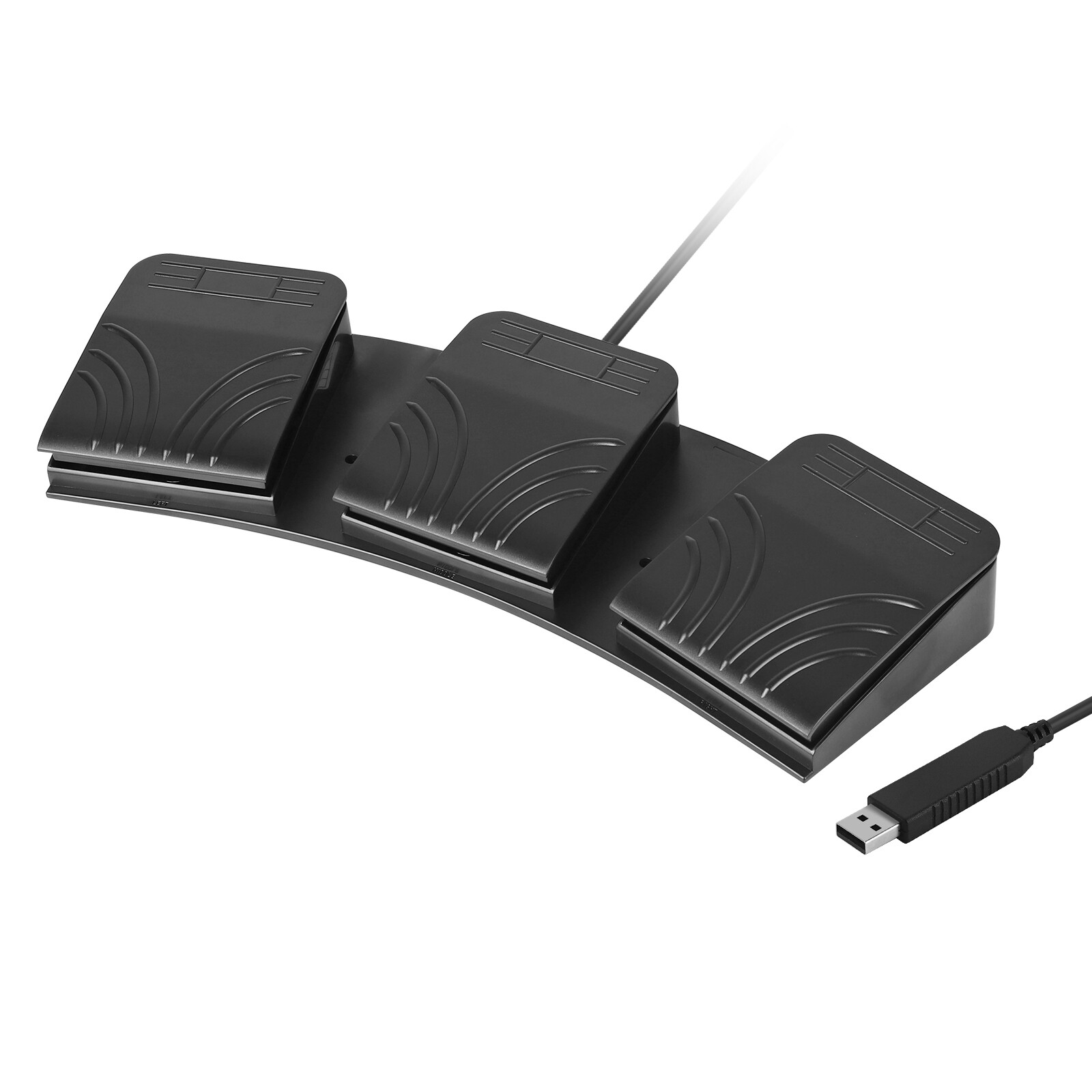
USB Foot Pedals Program Game Computer Photoelectric Optical Switch
TranscriptionUSD $15.99
Condition : New
Free Shipping
{{variant_type_name}} :

Notify me when the price drops
We will email you if we find a lower price on this product!
Programmable USB Foot Switch: USB foot pedal switch is a standard HID device and programmable keyboard and mouse simulate key codes, mouse buttons and joystick buttons that is triggered by your foot, ideal for playing a game, video games, Push to Talk for discord, Streaming,Photobooth,Zoom, transcription key setting,instrument control,media play/pause etc System Supports:Dos/Windows 2000/XP/Vista/Win 7/MAC/Linux,you'll need to configure the device on a Windows machine. After successful configuration, you may then use the device on your Linux,Mac or other system computer. Easy to setup, free download software from website for program any hotkey, combine key. It can be support more than one on a PC, just programmed individually, then plug them in. Ergonomic functional design,it is good size and resistance levels, fairly sturdy and aesthetic. Hands free and triggered by your foot easily. The pedal has rubber feet that you can use on hard floors. This Pedal will be let you free up some key real estate for other functions,triggered by your foot easily,Hands free and it frees up other keys. Set up easily. Just download the software from the website.It is fairly sturdy and makes a little click when press it. The software will let you select keys from a menu, so you can program it to hit some extended keys that exist, like F24. It's very useful when you're trying to avoid colliding with other hotkeys. System support : (1)Dos (2)Win 2000 (3)Win xp (4)Win 7 (5)Win 8 (6)Win 10 (7)Linux (8)MAC (9)Android Notice: Please configure it on Windows PC with the provided software. That's meaning you'll need to install the drive on a Windows computer and configure what you want to do. Once set, then plug into your Mac or other system. How to use: 1. Download the latest software from website; 2. Plug the USB foot pedal into the USB port of your windows computer, it's plug and play, The pedal itself doesn't need any special drivers; 3.The default key it's " B", you can change the keys you assign if your need changes by using the shortcut and reprogramming it by the software; 4.Program USB foot pedal from an air-gapped windows computer using the software ( software just support windows PC) , map the key with software in windows,you can program what you want. then plug and play in anywhere else. Package included: 1x USB Foot Pedal Switch
Returns Accepted for this item if it's within 30 Days
Price type
IN STOCK
OUT STOCK




 .
.
